
Using IPTV Abroad: Your Home TV, Wherever You Are
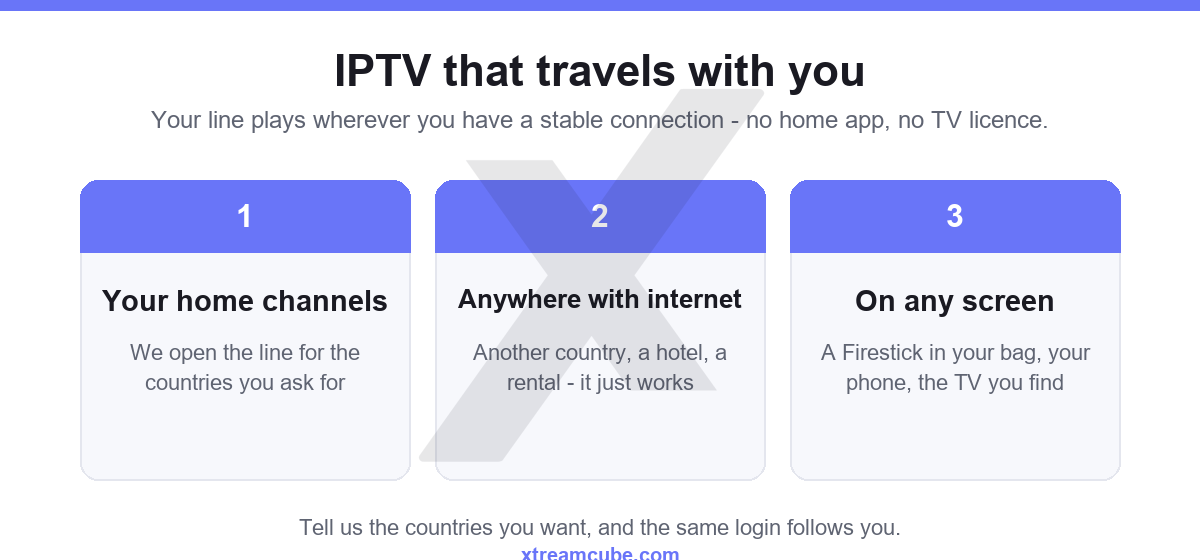
IPTV travels with you. Because it is delivered over the internet, your line plays wherever you have a stable connection – another country, a holiday apartment, a hotel room. That makes it the simplest way for expats and travellers to keep watching the channels from back home, without the home-country app, a TV licence, or a local payment method. This guide covers how it works abroad, whether you need a VPN, the setup that travels best, and why it occasionally stops.
On this page
Does IPTV work abroad?
Yes. Your subscription is a login, not a location – it works on any internet connection, in any country. You tell us the countries whose channels you want and we open the line for them, so when you move abroad the same login keeps carrying the same channels. There is nothing to re-buy and nothing to re-install: open your player, sign in, and you are watching. If you have not got a line yet, you can start a free trial and test it on your own connection first.
Why it beats the home-country apps
This is the part expats feel most. The official apps from back home – and the big streaming services – check where you are and block you the moment you leave the country, and many also want a home address, a home payment card, or a TV licence. An IPTV line does none of that: it delivers the channels straight to your player, so you are not fighting a geo-block or juggling a home-country account from abroad. One login, the channels you asked for, wherever you happen to live now.
Do you need a VPN abroad?
Usually not for the channels themselves – your line delivers them directly, so there is no home-country geo-block to get around. A VPN earns its place in two situations: when the network you are on throttles or blocks video (some hotel, campus and office connections do), or when you simply want the extra privacy on a shared Wi-Fi. If that is you, our honest guide on whether you need a VPN for IPTV explains when it helps and when it only slows you down.
The setup that travels best
If you move around, pick hardware that fits in a bag and plugs into any television. A Fire TV Stick is the traveller’s favourite for exactly this reason – pocketable, and it turns any hotel or rental TV into your own. Our IPTV on Firestick guide walks the setup, and the best player for Firestick page helps you pick the app. On the move, your phone or tablet is the quickest way to test a connection before you cast or plug in. One tip that saves confusion: set the time zone in your player to where you are now, so the TV guide lines up with local time.
Why IPTV sometimes stops abroad
When people say “my IPTV stopped working abroad”, it is almost always the connection, not the line. Hotel and public Wi-Fi is often slow, shared, or shaped to discourage streaming; a weak signal empties the buffer and the picture stalls. The quick checks: test on the busiest hour, try a wired connection or the 5 GHz band where you can, and confirm it stutters on every channel (a connection problem) or only one (a channel problem). Our troubleshooting guide finds the cause in minutes, and why IPTV keeps buffering explains the mechanics. For the numbers, see how much speed IPTV needs.
Questions people ask
Can I watch my home country’s channels abroad with IPTV?
Yes. Tell us the countries you want and we open the line for them; the same login then works from anywhere with internet, so you keep those channels after you move.
Do I need a VPN to use IPTV abroad?
Usually no – the line delivers the channels directly, so there is no home-country block to bypass. A VPN helps only if your network throttles video or you want extra privacy on shared Wi-Fi.
Why did my IPTV stop working abroad?
Nearly always the connection, not the subscription. Hotel and public Wi-Fi is often slow or shaped; test at a busy hour, use the 5 GHz band or a cable, and check whether every channel stutters or just one.
What is the best device to use IPTV while travelling?
A Fire TV Stick – it fits in a bag and plugs into any television. Keep a player on your phone too, for testing a connection before you plug in.
Will the TV guide show the right times abroad?
It will once you set the player’s time zone to where you are now; the guide then shifts to local time on its own.
Test it on your own connection first
The only test that matters is your own screen, on the connection you will actually use. Start a free trial – no card, no commitment – tell us the countries you want, and see how your home channels hold up wherever you are before you decide anything.